AI Room Redesign
in seconds.
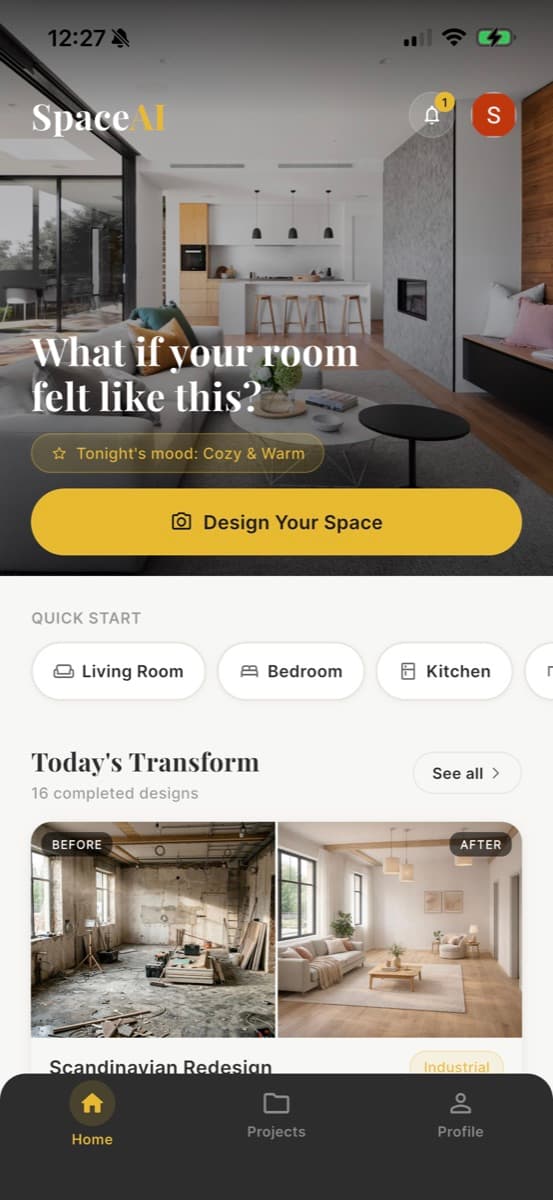
Snap a photo of any room, choose your interior design style, and watch AI redesign your space in seconds.
A real AI room redesign,
before & after
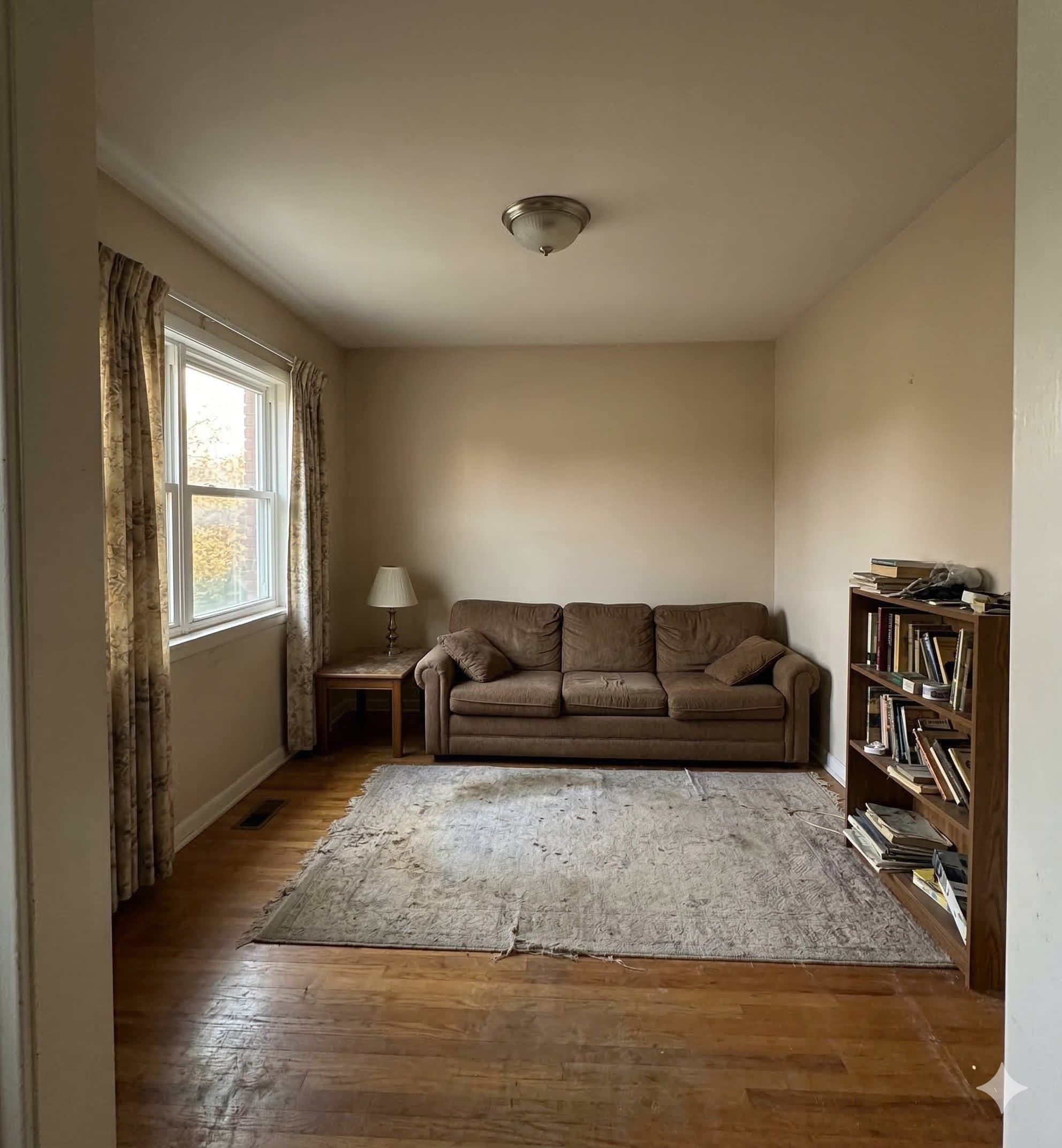
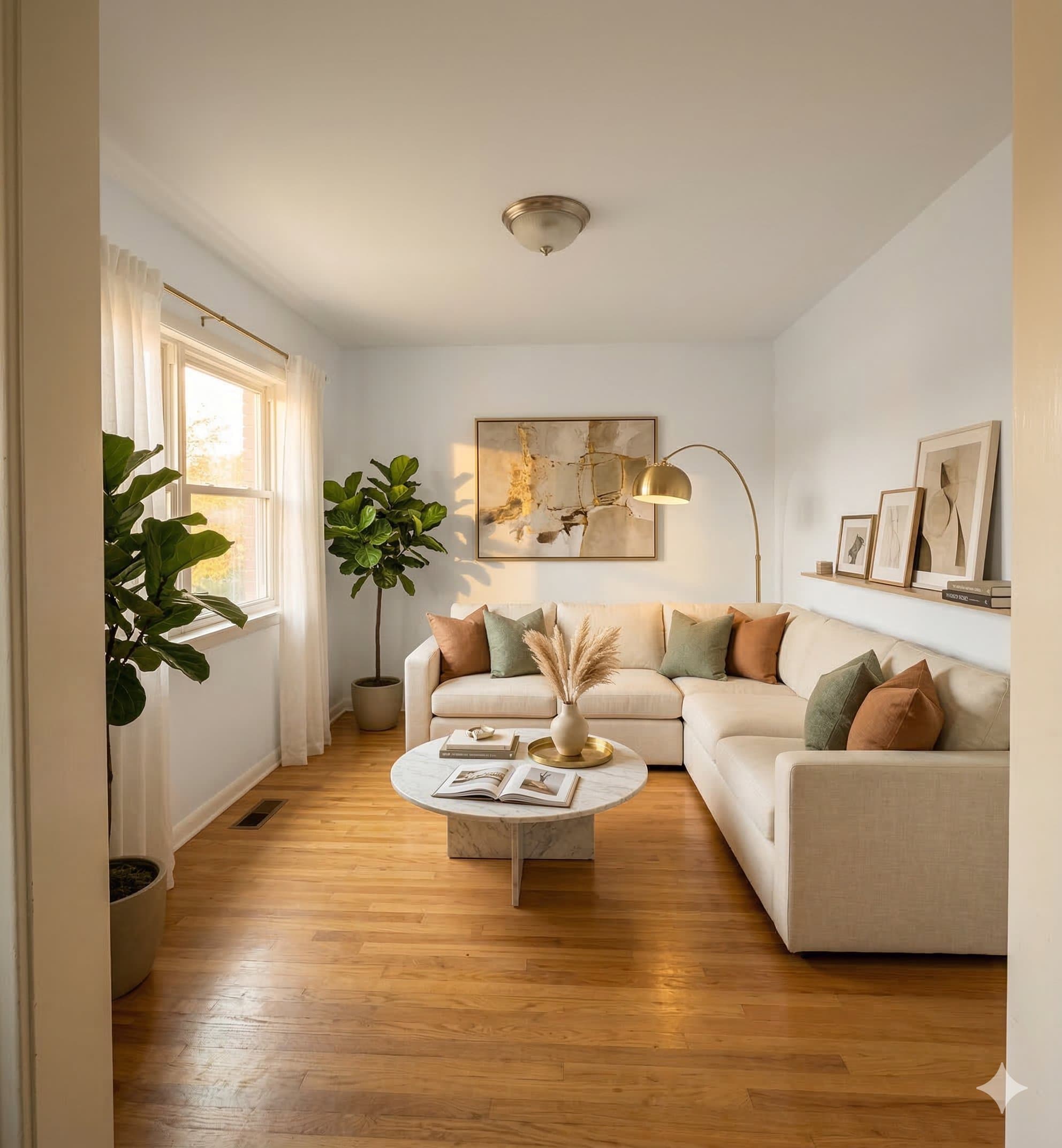
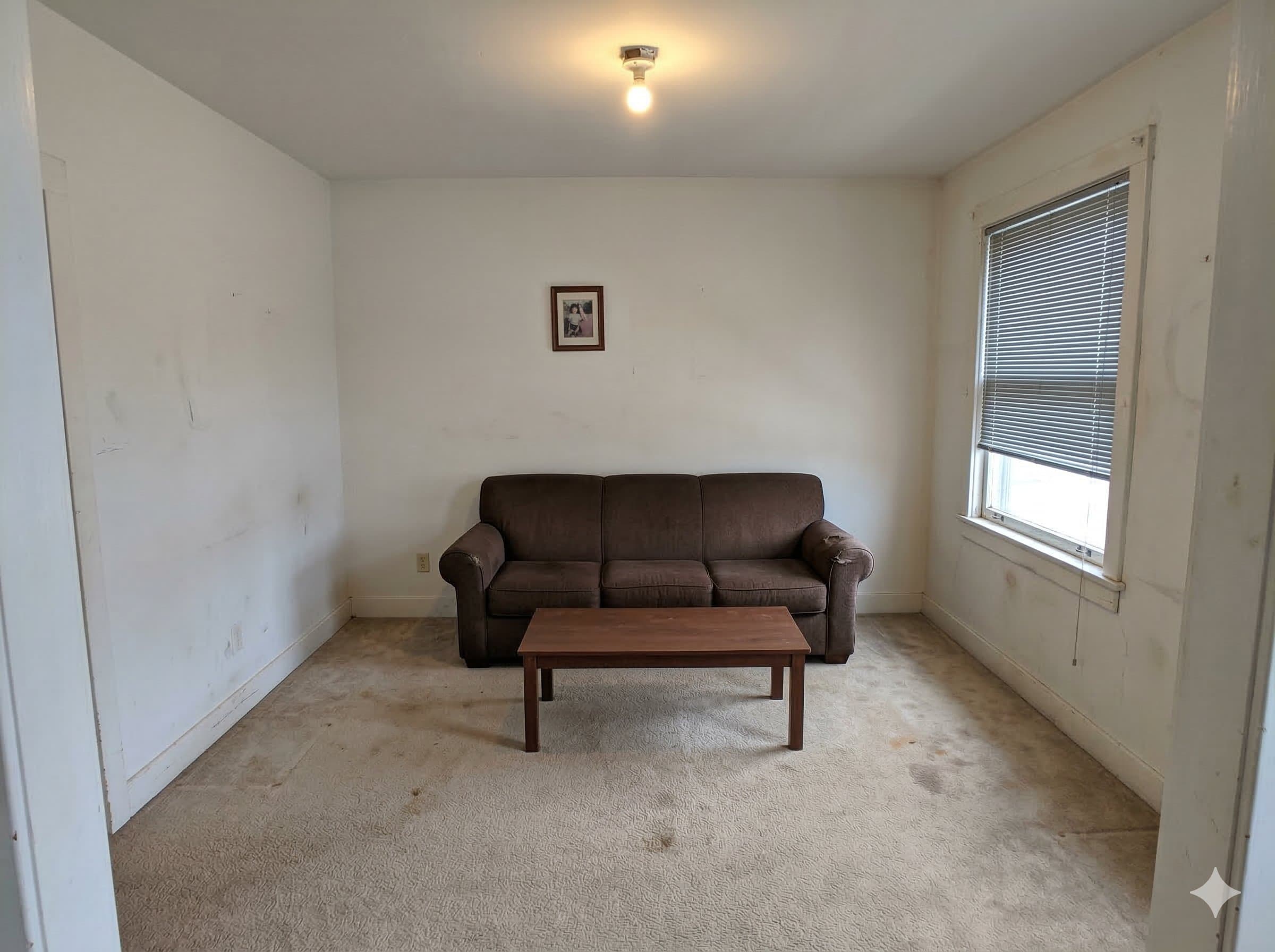
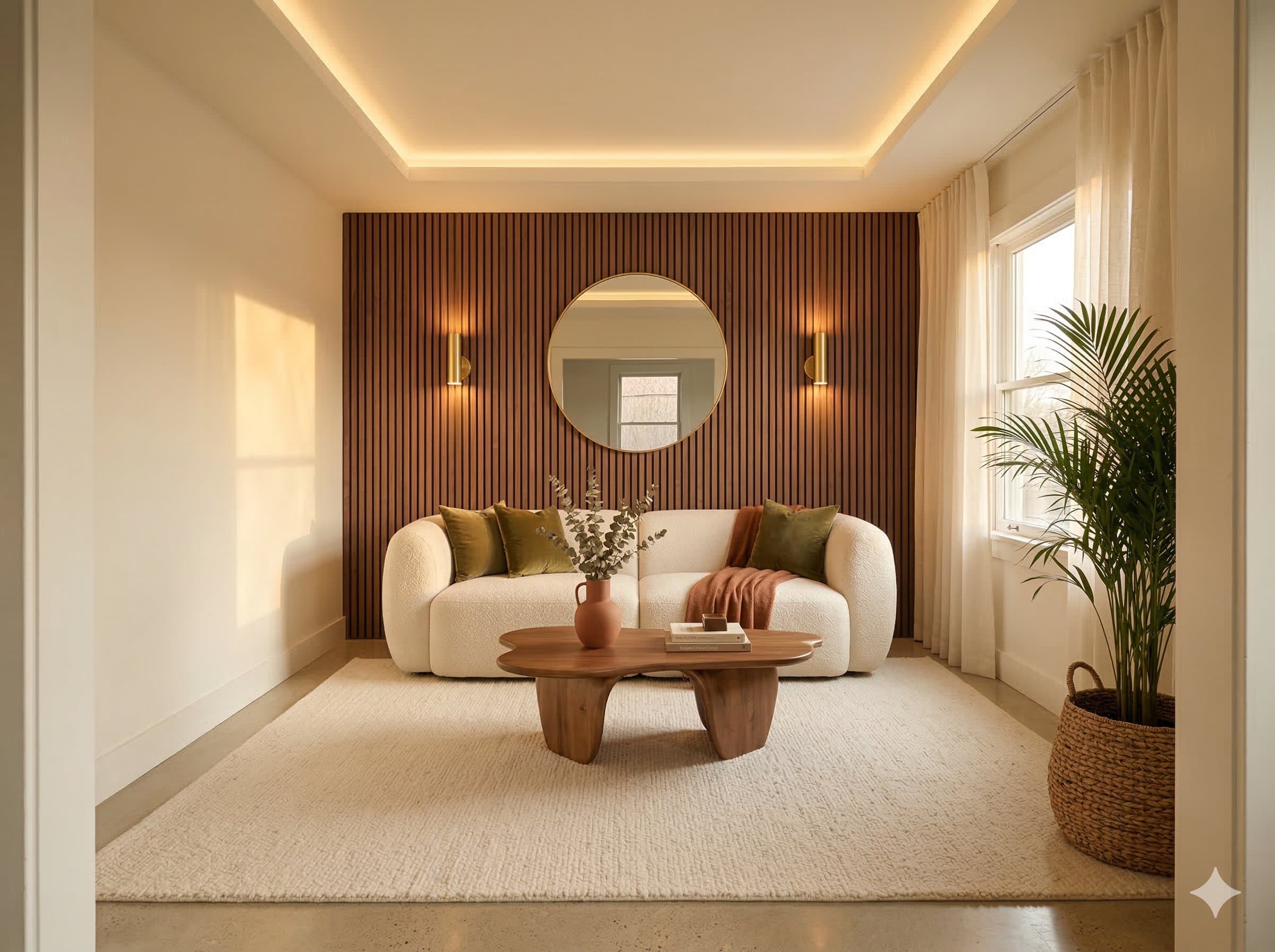
Drag to transform
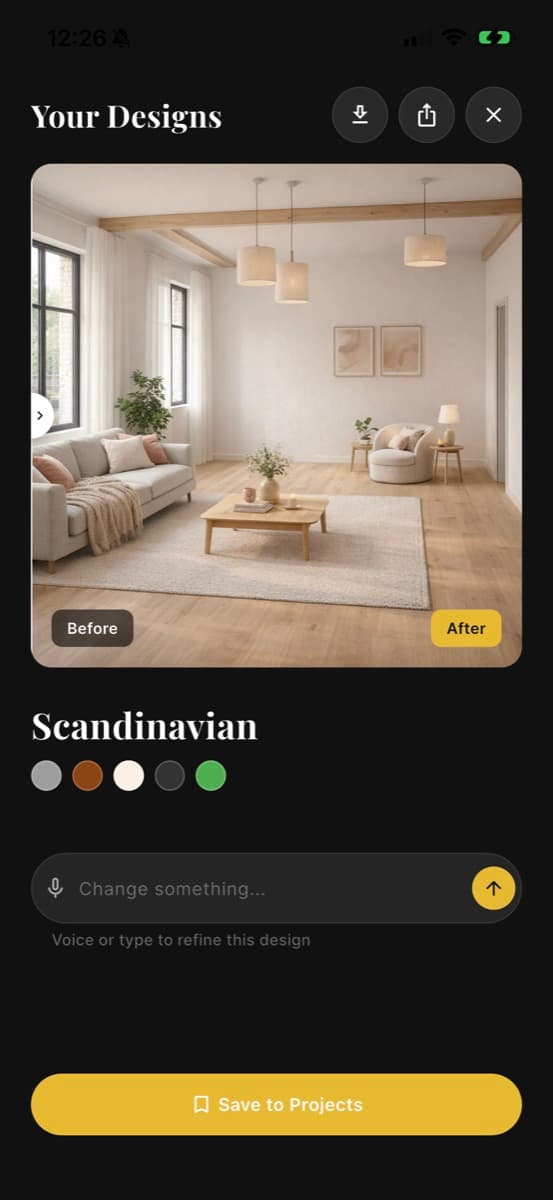
Slide the divider to see the same room before and after its AI redesign.
Three steps to a new room
Snap a photo
Open the app and take a picture of any room — living room, bedroom, kitchen, office, anywhere.
Pick a style
Choose from 12 designer styles — Modern, Scandinavian, Japandi, Bohemian, Industrial, and more.
Get your redesign
AI transforms your space in under 60 seconds. Save, share, or try another style — instantly.
The AI interior design app
in your pocket
A premium redesign experience, from photo to finished room.
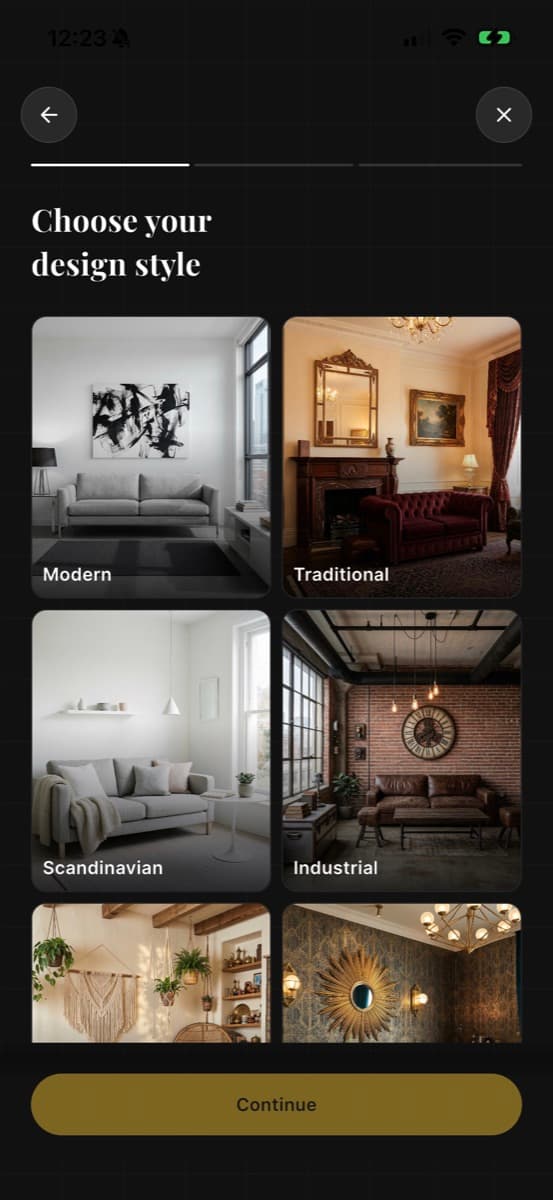
12 AI interior design styles
Hover any style to preview its palette and personality.
Everything you need to redesign your room with AI
12 Design Styles
Modern, Scandinavian, Japandi, Bohemian, Art Deco, Industrial, Coastal, Mid-Century, and more.
8 AI Tools
Redesign, Paint, Furnish, Stage, Remove, Landscape, Upscale, and Replace — all powered by AI.
Results in Seconds
AI analyzes your room and generates HD designs in under 60 seconds. Leave and get notified.
Room Analysis
AI detects room type, furniture, lighting, dimensions, and current style automatically.
Before & After
Swipe to compare your original room with the AI redesign. Download and share results.
Voice Commands
“Add more plants” or “Make it warmer” — describe changes with your voice and AI understands.
AI interior design, answered
How does SpaceFlip actually work?
How realistic are the results?
What rooms can I redesign?
What happens to my photos?
What platforms is the app on?
Let's talk
Questions, feedback, or partnership ideas? Send us a message and we'll get back to you.
Ready to reimagine
your space?
Join thousands of homeowners and designers redesigning rooms with AI.